OpenAI announced its new model for creating images in ChatGPT yesterday. This model promises more accurate, more detailed, and faster image generation, not only for transforming one image into another, but also for creating completely original images.
I use ChatGPT to create fun images, mostly based on my daughter’s imagination. As I read OpenAI’s announcement, thinking of new images to ask it to create, I couldn’t help but wonder, can a well-crafted image creation prompt also serve as the alt text for that image?
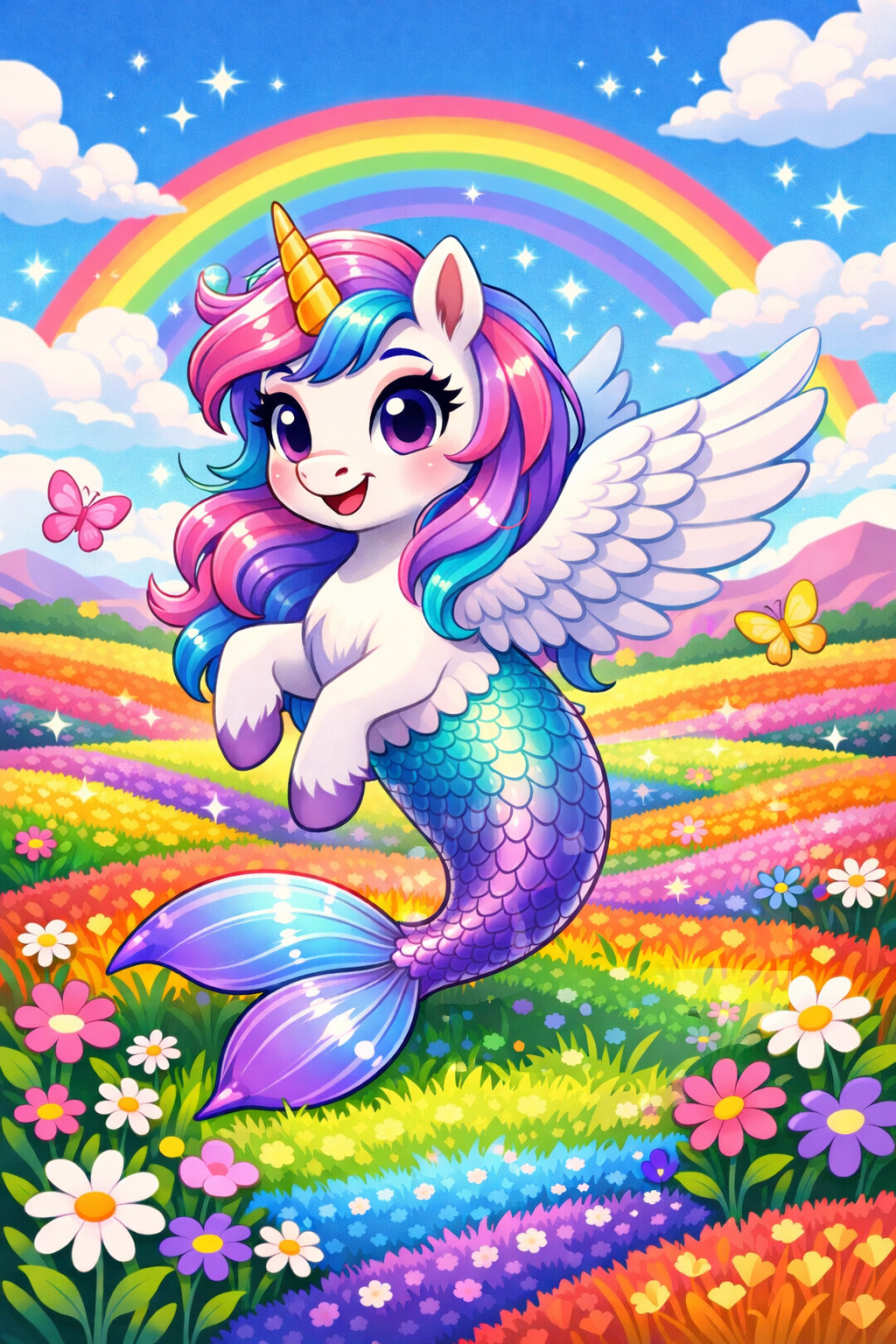
I used ChatGPT’s new image model to create an image based on the following prompt:
Cartoon-styled image of a creature who is a unicorn with wings and a mermaid tail, standing in rainbow-colored field.
ChatGPT created this image in just a couple of minutes:
Alternative text, or alt text, is text that describes the content on an image. It is a substitute, used by people who are unable to see the image itself for any reason.
This image definitely describes my prompt[1]. Cartoon style. Unicorn with wings and a mermaid tail[2]. Rainbow colored field. The field is filled with rainbow-colored flowers, a detail not included in my prompt, but the field is still rainbow. Also, the creature is floating, not standing, because how does one stand when they have a mermaid tail and no legs? I did not think that one through.
A new test for alt text?
Creating the image above brought up another, related question: Can AI be used to test the veracity of an image’s alt text?
I decided to test this question by using alt text as a prompt to create a new image using ChatGPT’s new image model. Would the generated image be similar to the original?
Test #1: Christmas-themed image from Pexels
Pexels is a free stock image library that is used by developers and designers for a variety of reasons. This first test is of a holiday themed image that was featured on the front page, with the following alt text:
A festive living room featuring a beautifully decorated Christmas tree and cozy fireplace.
The original photo vs. the generated photo
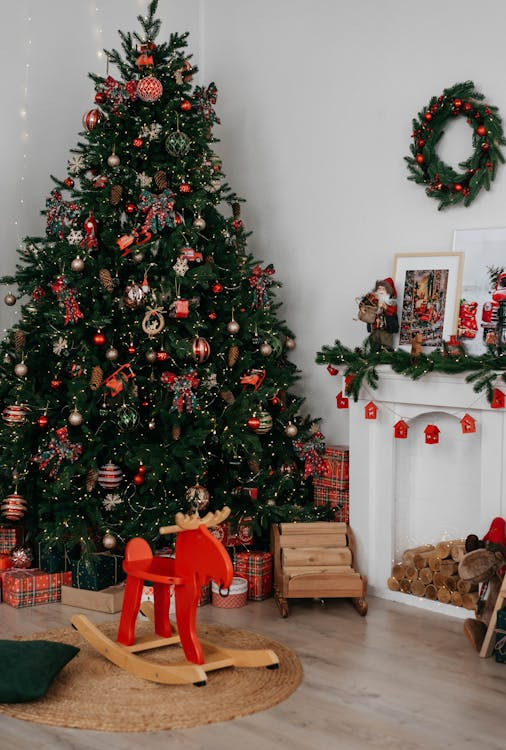
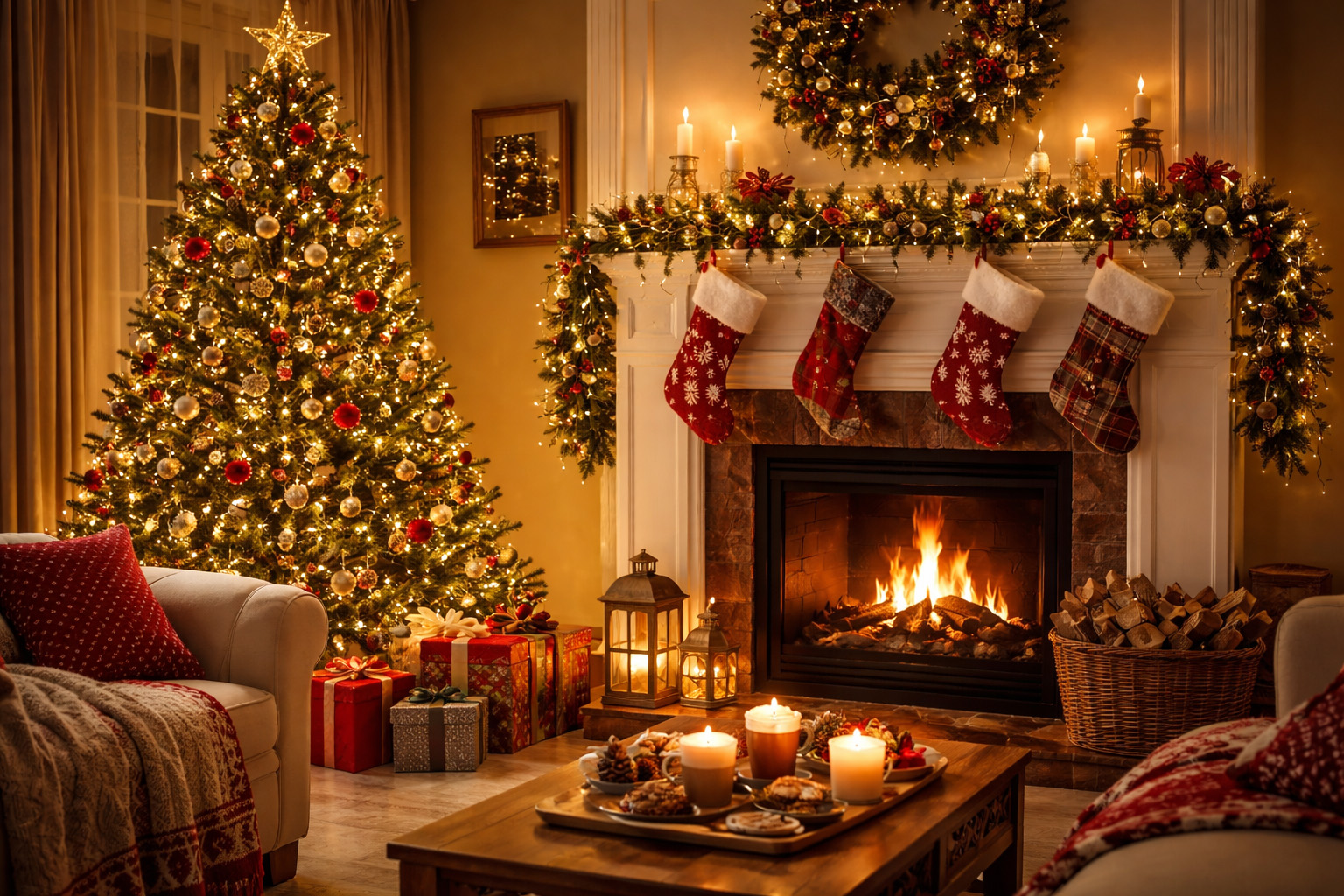
The images are similar in structure, though not in details. The AI-generated image is far more detailed, festive, and, in my opinion, blows “cozy” out of the water. The original alt text could certainly be better, but it is not awful and gets the job done in the simplest way possible.
Conclusion: The original alt text could be better, but it is passable and describes the image in the simplest way possible[3].
Test #2: A stock image featuring people
In this test, I was curious to see how a photo with people would fare. Again, I used a stock image from Pexels, with the following alt text:
Stylish couple posing confidently at a formal event against a vibrant red backdrop.
The original photo vs. the generated photo:

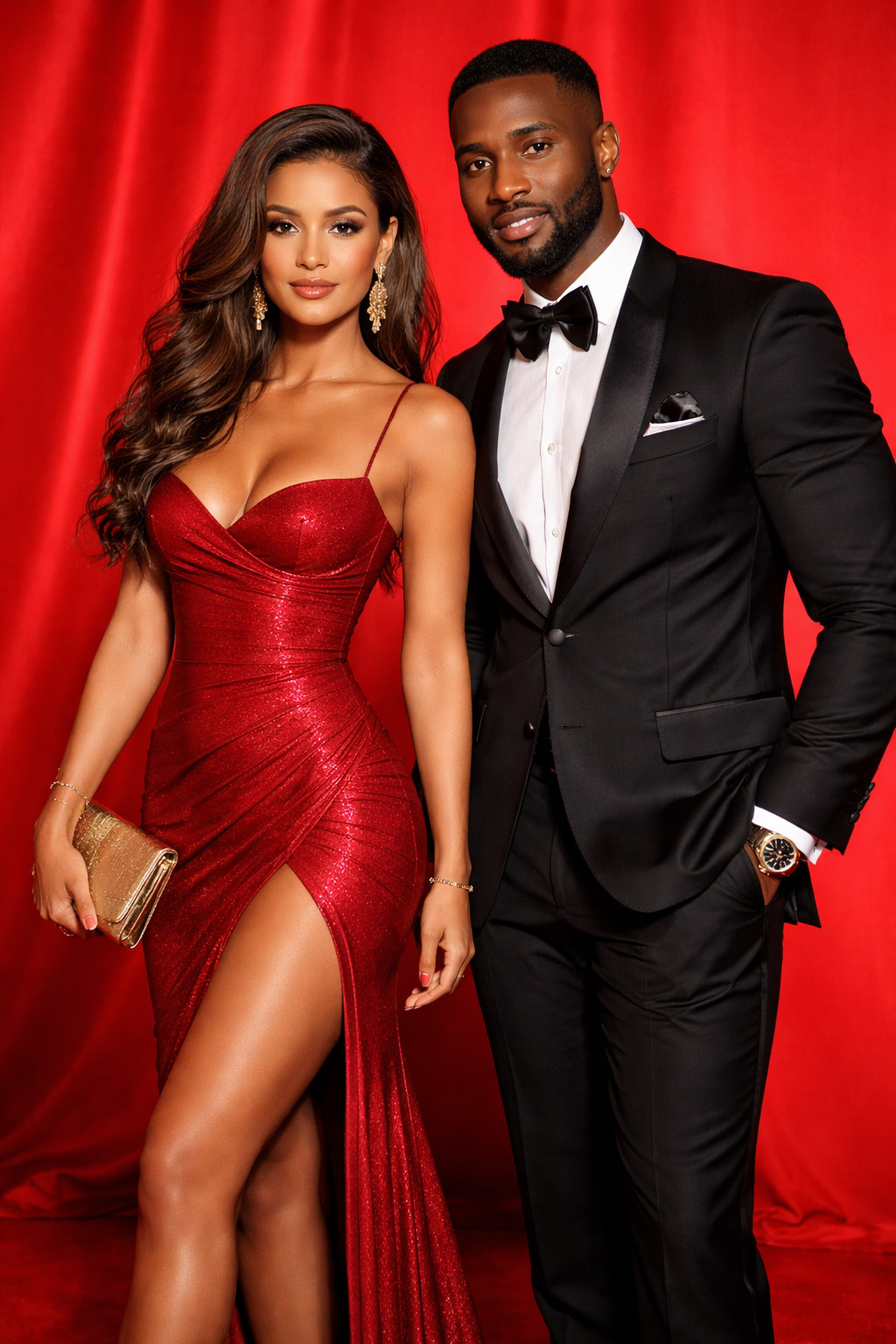
These images are again similar in structure, but are obviously very different people wearing very different clothes. In this case, the alt text is iffy and context-dependent. If this image were to be used on a real site, does race matter? Does gender? Are the clothes relevant? These questions are all opinion based and contextual questions that only a human can answer.
Conclusion: This alt text needs further review by a human.
Test #3: A real-world image
This third test is one from a page on a live site, instead of a stock image library. I work for Georgetown and love books, so for this experiment, I chose the featured image for a recent article titled 12 Books Professors Recommend (But Don’t Require) You Read This Winter[4]. The image has the following alt text:
A stack of books on a windowsill next to a plant.
The original photo vs. the generated photo:
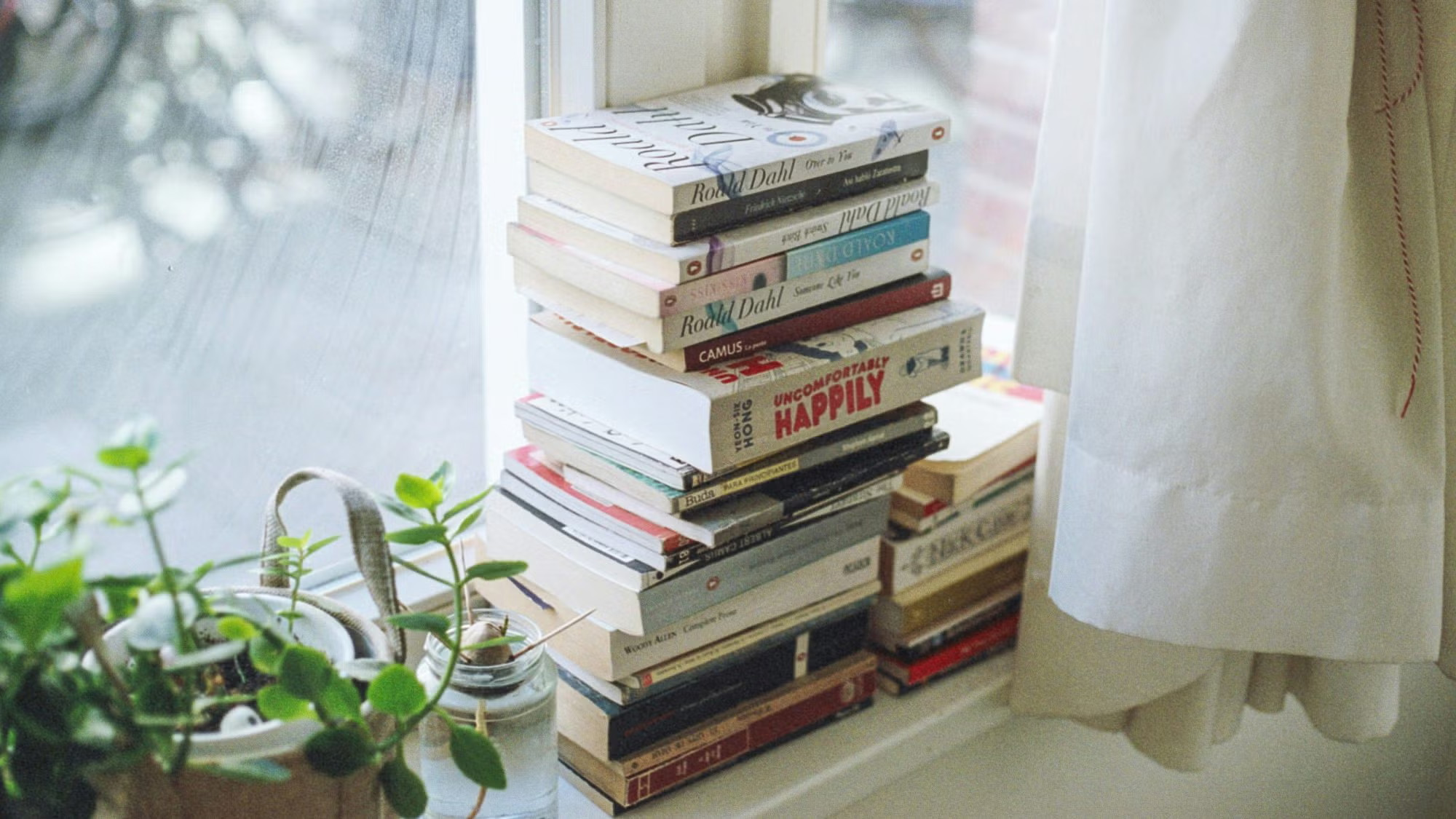

Again, not bad. There are books. There is a plant. Everything is on a windowsill. Even the natural lighting is similar. The AI-generated photo is different in terms of the number of books and the details on the books. The original image includes real books with visible titles, but the generated image does not, because that was not included in the prompt. This could be an issue if the specific titles were relevant to the context, but for this particular article, they are not. The same could be said for the glasses on top of the stack of photos in the AI generated image.
Conclusion: This alt text is pretty good!
Test #4: An image with what seems to be terrible alt text
For this fourth, and final (for now), test, I decided to test an image whose alt text does not seem (to me) to properly describe the image. For this experiment, I chose an image from a news article about Airbnb reviews and safety concerns, published by RPI (my alma mater). The image has the following alt text:
Keys for short-term rental.
The original photo[5] vs. the generated photo:
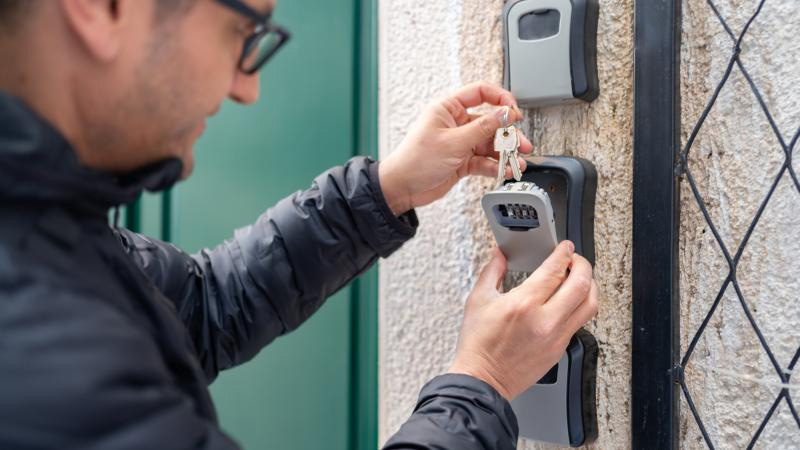
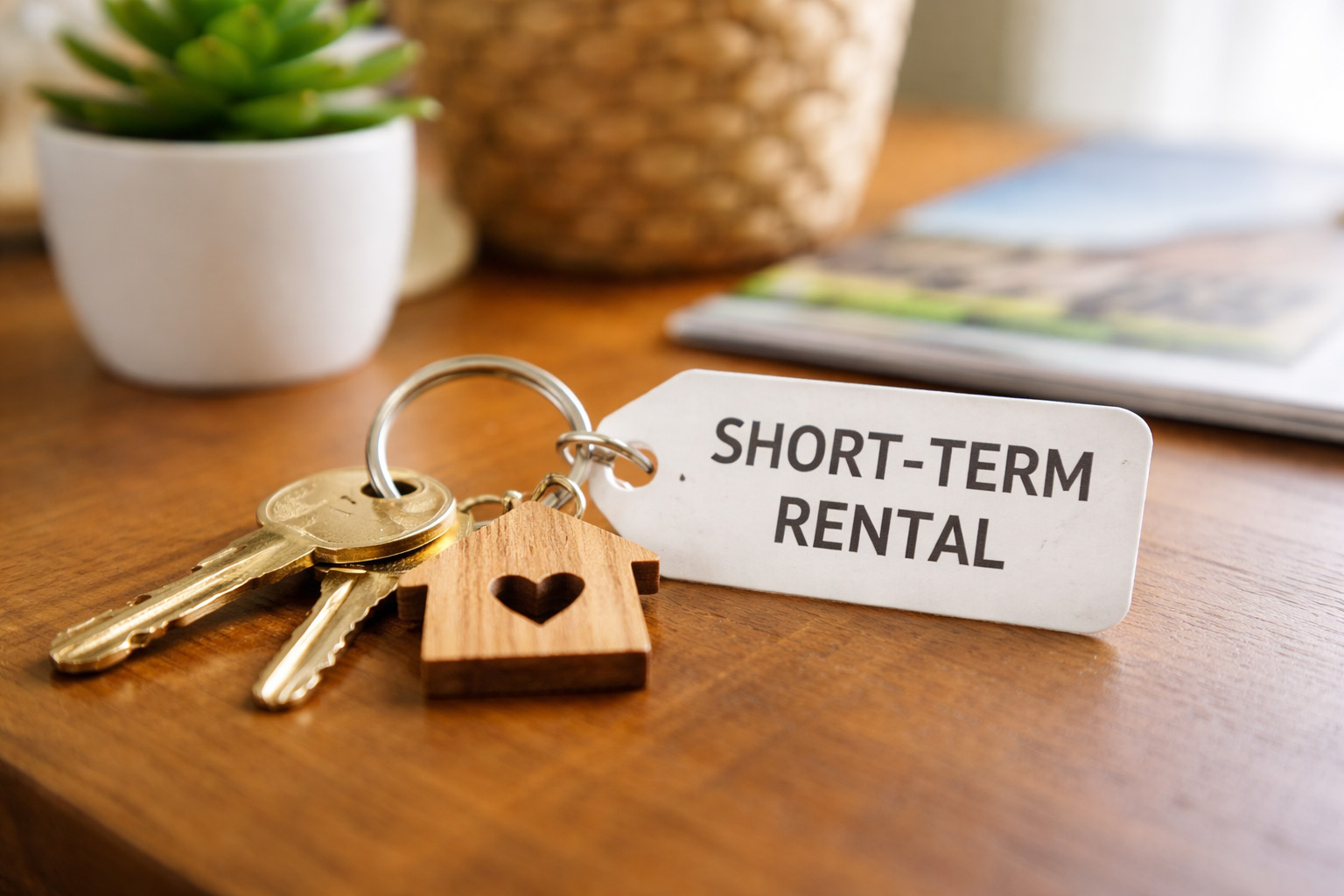
Both pictures have keys. That is where the similarities end.
Conclusion: The photo is more decorative in context, so more detailed alt text is not strictly necessary. However, if the image content were relevant to the news story, this alt text is not descriptive enough.
Final thoughts
Well-written alt text is crucial to the users who rely on it. However, the context of how the image is used is an important consideration when writing alt text. The description of the image can be less detailed or focus on a single aspect of the image, depending on the intent of both the image and the page in which it lives.
Therefore, there is no single test or absolute right answer to the question of alt text for an image. The answer is my least favorite answer: it depends. For questions whose answers rely on judgement calls, AI is not the best tool. Crafting – and testing – alt text is still a fundamentally human job.
“Describes my prompt” is an understatement. My kid is going to scream (literally and from joy) when she sees this. ↩︎
This creature is called an alumer. The name is a combination of “alicorn”, a winged horse with a horn, and “mermaid.” ↩︎
The generated image is also way better. Sorry / not sorry. ↩︎
I will also be making note of these books after I finish the giant pile of books that are currently next to my desk. ↩︎
The original image is credited to Getty Images. ↩︎